BugTape for coding agents
Hand the bug to your agent.
Claude Code, Cursor or Codex reads the steps, the failed request and the stackthe bug over MCP. You review the fix.
No credit card. MCP on every plan.

Connect
Paste one URL.
Sign in with OAuth where your client supports it. Otherwise send an agent token.
https://app.bugtape.ai/mcp
Token fallback: Authorization: Bearer bt_pat_YOUR_TOKEN. Project keys (bt_live_) only send reports. They cannot connect an agent.
No account yet? Point your agent at https://app.bugtape.ai/demo/mcp. It is a read-only sample shop with real evidence, and it needs no sign-in.
Claude Code
claude mcp add --transport http bugtape https://app.bugtape.ai/mcpCursor
"bugtape": { "url": "https://app.bugtape.ai/mcp" }Codex
npx -y bugtape connect codexChatGPT
Custom connector · developer modeGrok
Connectors → New → Custom
Copy the config for your client Install walkthrough AGENTS.md snippet Examples on GitHub
The loop
Rank. Read.
Report.
list_recommended_criticalOpen issues in the order to fix them. Test noise, muted and claimed issues left out.
get_repro_contextOne report: what the user did, the failed request, the console and the stack.
ack_bugMarks it as being worked on and tells your team. Add the pull request link when it opens.
listen waits for the next bug. Or press Send to agent on an issue.
Who does what
You stay
in review.
BugTape collects the evidence, your agent writes the fix, and you decide what ships.
BugTapeCollects the evidence
- Captures
- Groups
- Ranks
Your agentWrites the fix
- Reads
- Changes code
- Runs tests
- Opens a PR
YouReview and ship
- Reviews
- Ships
BugTape does not merge or deploy anything. You review the pull request and decide whether it ships.
Same evidence
One bug,
two readers.
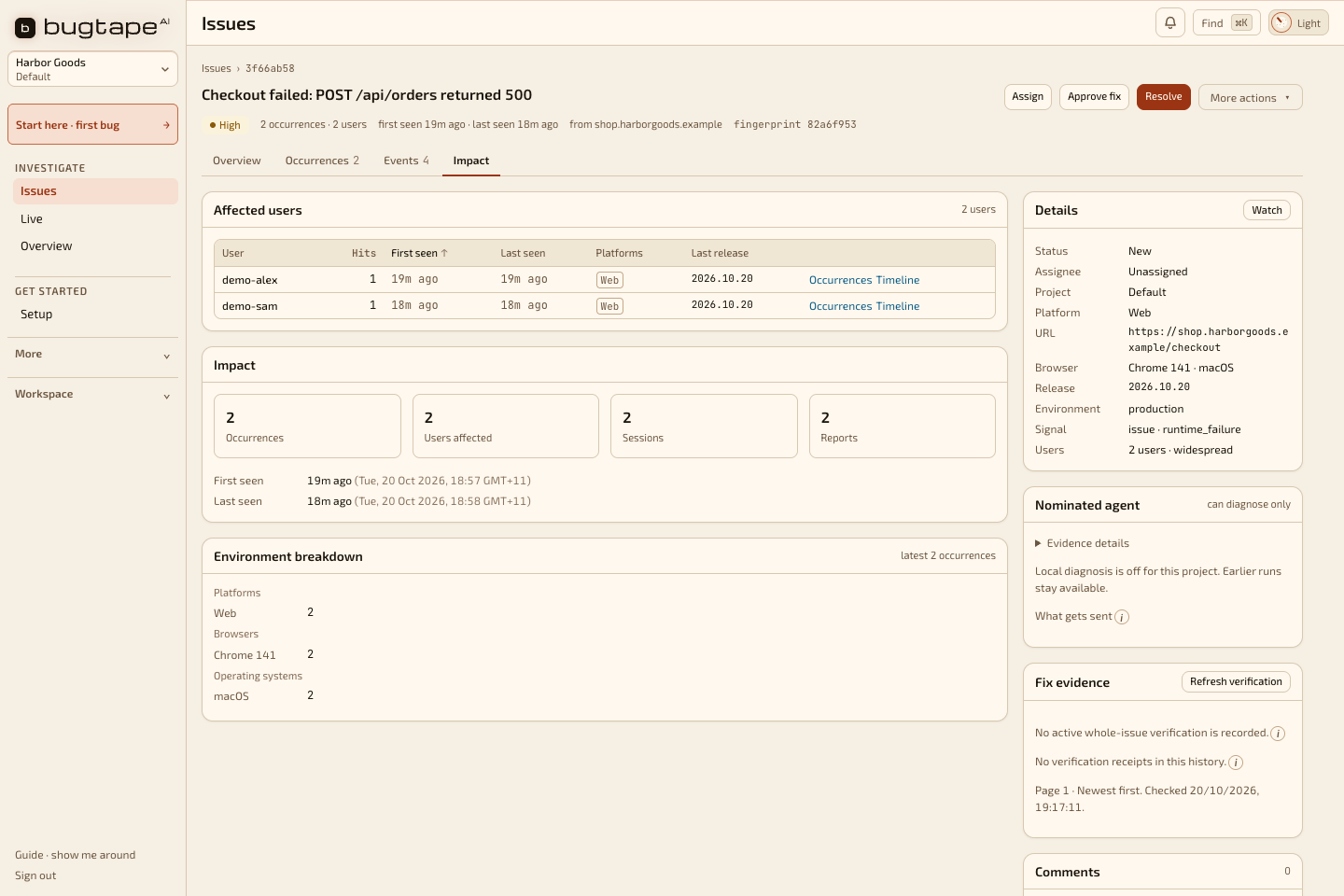
You see who hit it, each report and its replay. The agent's token reaches only the projects you gave it.
# For agents
If you are an agent reading this page
This is the short version. The full version is /llms.txt.
- No access yet? Use the demo.
https://app.bugtape.ai/demo/mcpis read-only and needs no sign-in. Read one issue end to end, then ask your user to connect their own app. Examples: github.com/jackfieldman/bugtape-examples. - Use approved access. Use the existing MCP connection, or ask your user to approve scoped access. OAuth-capable clients sign in through BugTape. Other clients need a human-created agent token. On Free and Prepaid credits, reading captured events costs 2 credits. Other reads are free.
- Connect.
https://app.bugtape.ai/mcp. The token fallback sendsAuthorization: Bearer bt_pat_…. - Start with the ranked list. Call
list_recommended_critical, notlist_bugs. Thenget_repro_contextfor one occurrence. - Say you are on it.
ack_bugwithaction: "working"before you start. AddprUrlwhen the pull request is open. - Do not verify your own fix. The token that proposed a fix cannot mark it verified. A separate credential has to.
Who it is for
- Small teams shipping with agents
- One to five people building a web app with Claude Code, Cursor or Codex.
- Teams already on Datadog
- Keep Datadog for APM, logs and metrics. Use BugTape to give your agent the bugs your users hit.
When not to use BugTape
- You want product analytics
- BugTape tracks bugs. It is not analytics, log search or infrastructure metrics.
- Your screens show data you have not masked
- Start with server-side reports until scrub rules are in place.
- You need what we do not ship
- More than 30 days of evidence, fatal native crash capture or hosted screenshots.
Questions.
Which agents can connect?
Any MCP client that connects over HTTP, such as Claude Code, Cursor and Codex. The server is https://app.bugtape.ai/mcp.
How does my agent sign in?
Clients that support OAuth, such as Claude Code, open a BugTape page where you click Allow. Other clients use an agent token that starts with bt_pat_ from Settings → Agents, sent as Authorization: Bearer.
Does MCP cost extra?
No. MCP works on every plan. On Free and Prepaid credits, each agent read of a bug's events costs 2 credits. On Pro, agent reads are free. See pricing.
How does my agent hear about a new bug?
It can ask for the ranked list with list_recommended_critical, wait for the next bug with listen, or you can press Send to agent on an issue.
Can the agent merge or deploy?
No. BugTape does not merge or deploy anything. The agent opens a pull request and you decide what ships.
Can I try BugTape with no account?
Yes. npx -y bugtape --help prints the CLI and does not sign you in. The live demo runs in your browser and sends nothing. The demo MCP at https://app.bugtape.ai/demo/mcp needs no sign-in. Your own workspace needs one.
Does BugTape record every session?
No. It keeps a short buffer in the browser and sends that buffer with a supported error or a user report.
Facts
| What it records | Supported browser errors, failed requests, and a short DOM replay with the report. It does not record every visit. |
|---|---|
| No account | npx -y bugtape --help prints the commands and does not sign you in. The live demo stays in the browser. The demo MCP at https://app.bugtape.ai/demo/mcp needs no sign-in. Your own workspace needs one. |
| Price | Free is $0. Prepaid credits are $10 for 2,000 credits. Pro is $29 a month. |
| Not included | Hosted screenshots and voice notes are not stored. Fatal iOS crash capture is not available. |
Give your agent
the next bug.
No credit card. MCP on every plan.